Proximity chat
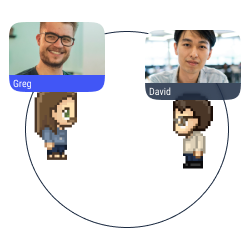
Approach an avatar with your own avatar to start a conversation (text, audio, or video) in a bubble.
Multiple screen sharing
Share your screen with the users in a conversation bubble.
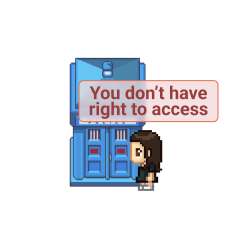
Lock a discussion
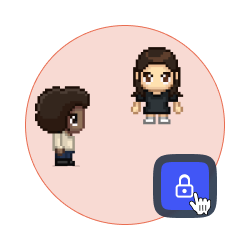
Forbid access to your discussion bubble to avoid distractions and disturbances.
Chat synchronization
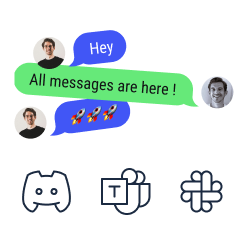
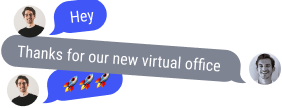
Look and answer your text messages from Discord, Slack, and Microsoft Teams on WorkAdventure.
SSO authentication
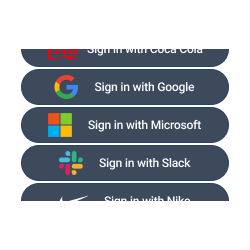
Access to WorkAdventure with your account of Teams, Slack, Discord, etc.
Users’ record
Look at the list of users, check their status, and locate them easily to walk towards them or to send them a message.
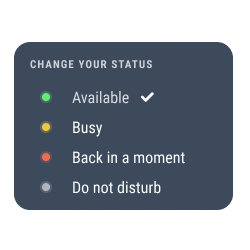
Change your status
Select your status to show how available you are. The status modifications are also automatically shown on Microsoft Teams, Discord, Slack, etc.
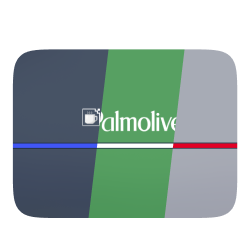
White label mode
Personalize your space with the colors and the brand elements of your company (logo, interface, personalized domain, etc.).
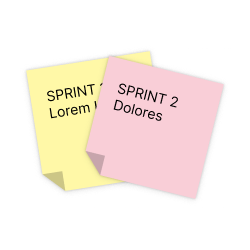
Integration of collaborative tools
Enjoy the benefits of Trello, Notion, Miro and Google Suite on WorkAdventure.
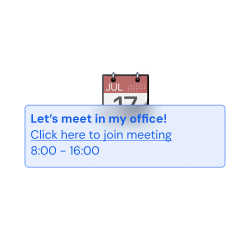
Simple planning
Connect WorkAdventure to your Google Calendar and to Outlook, and check your Microsoft Teams’ calendar and to-do list in our interface.
Access management
Define the roles for every user on your map (admins, space creators, users, etc.).
Tags selection
Pick and assign a tag to every user on your space. Forbid the access to selected spaces according to the tags the users hold.