Put an end to the meeting's boredom










Gather your team wherever you are
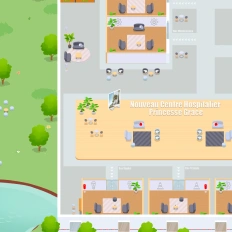
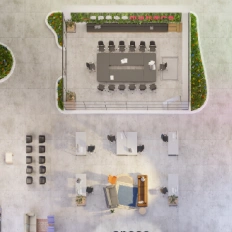
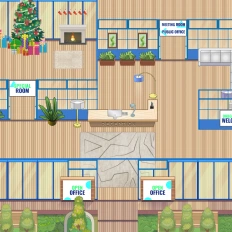
Create a virtual world where all your teammates can access, work, and interact with each other in a digital office with meeting rooms, desks, and multifunctional spaces where everybody has an avatar
Interact with coworkers without previous arrangements
Approach somebody within the virtual office with your avatar to trigger a private video conversation inside a discussion bubble. This emulates the real-world office experience of knocking on someone’s door for a spontaneous and quick chat.
Host meetings spontaneously
Drop by a meeting room to access the virtual gathering with your coworkers. You no longer need to create a meeting link and share it with the expected attendees; only entering the conference room is necessary.
Create spaces for coffee and fun
Design spaces dedicated to having fun, playing games, and having casual conversations, boosting your team’s engagement and fulfillment inside your company.
This platform is the best tool created so far to keep closeness

Designed for virtual meetings
Features You’ll Love
Discover the tools that make remote work feel connected, spontaneous, and productive. From quick one-on-one chats and team huddles to interactive meeting rooms and shared workspaces, these features are designed to recreate and enrich the flow of a physical office. Whether you’re managing a distributed team or building a thriving remote culture, your virtual office has never felt more alive.
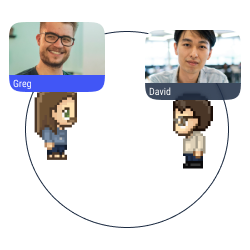
Proximity chat
Approach an avatar with your own avatar to start a conversation (text, audio, or video) in a bubble.
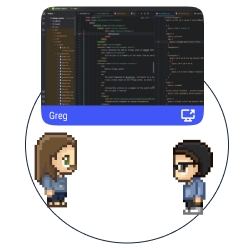
Multiple screen sharing
Share your screen with the users in a conversation bubble.
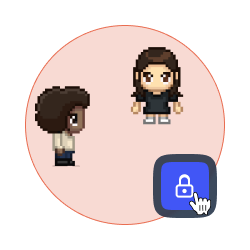
Lock a discussion
Forbid access to your discussion bubble to avoid distractions and disturbances.
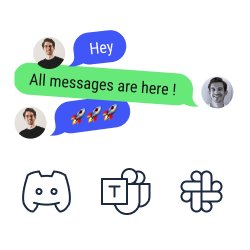
Chat synchronization
Look and answer your text messages from Discord, Slack, and Microsoft Teams on WorkAdventure.
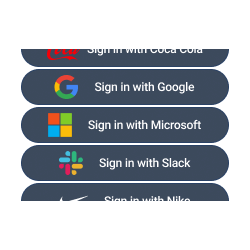
SSO authentication
Access to WorkAdventure with your account of Teams, Slack, Discord, etc.
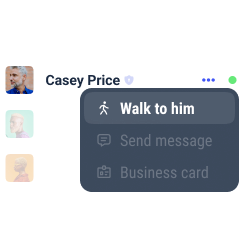
Users’ record
Look at the list of users, check their status, and locate them easily to walk towards them or to send them a message.
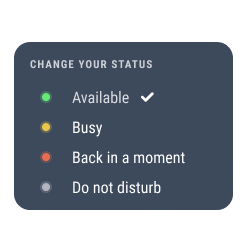
Change your status
Select your status to show how available you are. The status modifications are also automatically shown on Microsoft Teams, Discord, Slack, etc.
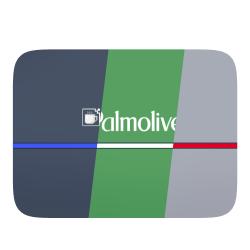
White label mode
Personalize your space with the colors and the brand elements of your company (logo, interface, personalized domain, etc.).
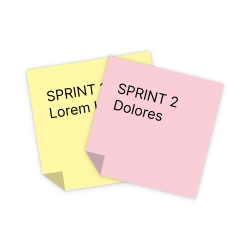
Integration of collaborative tools
Enjoy the benefits of Trello, Notion, Miro and Google Suite on WorkAdventure.
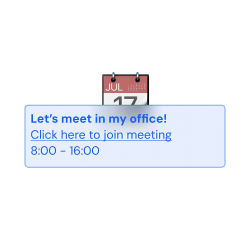
Simple planning
Connect WorkAdventure to your Google Calendar and to Outlook, and check your Microsoft Teams’ calendar and to-do list in our interface.
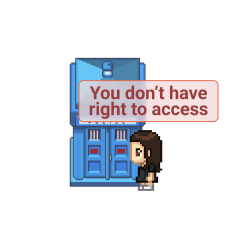
Access management
Define the roles for every user on your map (admins, space creators, users, etc.).
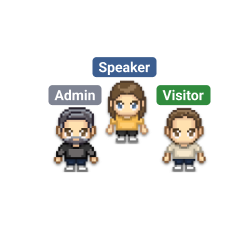
Tags selection
Pick and assign a tag to every user on your space. Forbid the access to selected spaces according to the tags the users hold.
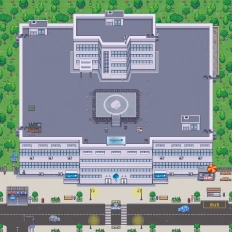
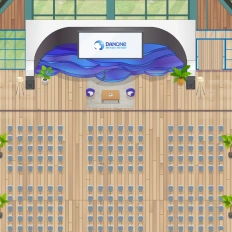
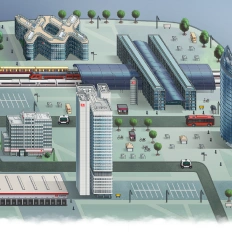
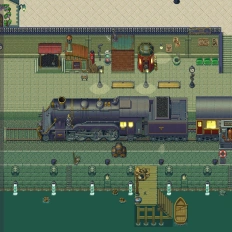
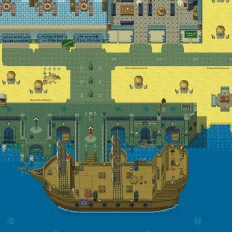
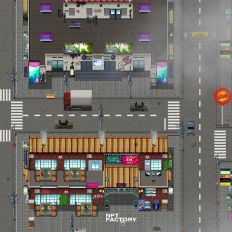
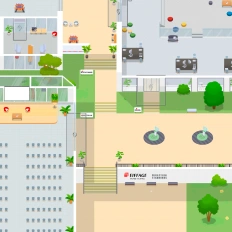
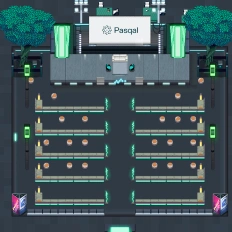
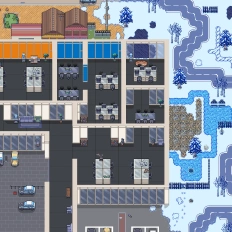
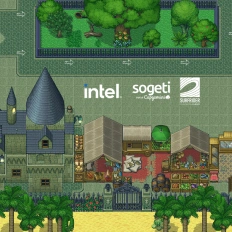
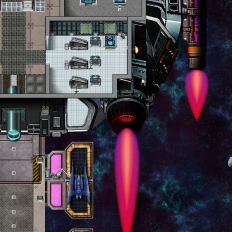
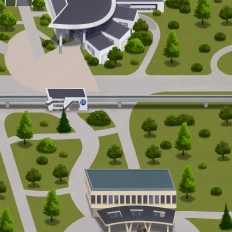
Want a world that reflects your identity?


Our clients say it better
Read the many opinions and comments about our products and services from different companies and institutions.

Gamified learning: How Univaq is revolutionizing education with WorkAdventure

Event, learning and working space: all in one customized map

Digital campus: Why the University of Rennes ditched Gather for WorkAdventure
Still have questions?
Can’t find the answer you’re looking for? Please chat to our friendly team.
FAQ
Find answers to the most common questions
-
WorkAdventure hosts virtual meetings inside a 2D virtual office where teammates use avatars and can move between meeting rooms, desks, and multifunctional spaces—so meetings and collaboration happen in the same “place,” not across scattered links.
-
WorkAdventure uses proximity chat: you walk your avatar near someone to trigger a private conversation bubble (text, audio, or video). It’s designed to emulate the real-life “knocking on someone’s door” moment for quick chats.
-
Yes, WorkAdventure lets teammates enter a meeting room to join the gathering. The flow is “walk into the room,” rather than “create a link and send it around.”
-
WorkAdventure highlights integrations for Trello, Notion, Miro, and Google Suite, plus “simple planning” by connecting Google Calendar and Outlook, with visibility into Microsoft Teams’ calendar and to-do list inside the interface.
-
You can use SSO authentication (sign in with accounts like Teams/Slack/Discord), set access management roles (admins, space creators, users), and apply tags to restrict access to specific areas of your virtual office.
-
Yes, WorkAdventure offers white label mode (brand elements like logo, colors, and a personalized domain), and you can also work with the design team to create a custom map aligned with your branding (or a totally unique theme).
No results.
Beyond the
virtual meetings
There’s more to explore beyond the virtual meetings. From collaborative project hubs and remote onboarding experiences to hybrid team rituals and virtual company events, discover how digital spaces can support productivity, culture, and connection in powerful new ways. Dive into related pages to see how the modern workplace is evolving across different contexts and use cases.