



Emulate and improve your campus appearance
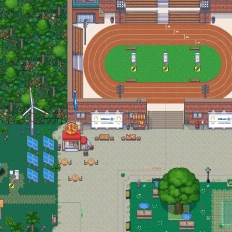
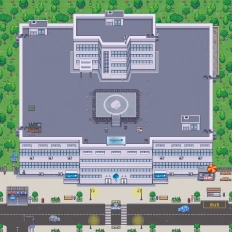
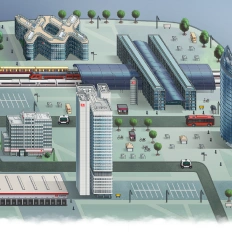
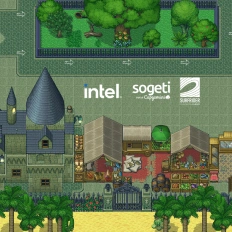
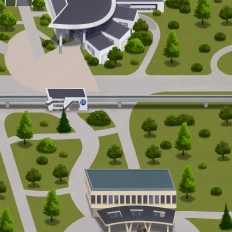
Design and customize your digital campus, replicate its appearance from real life, and improve the space virtually without limitations.
Take virtual classes and webinars to the next level
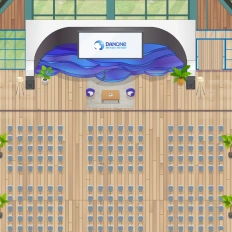
Create conferences and teaching rooms where students and teachers can see and interact with each other automatically through a video call, which is automatically triggered when they enter.
Encourage students to collaborate in teams
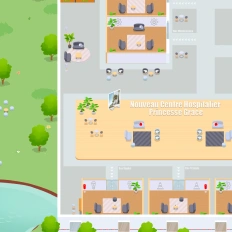
Invite your students to interact and work with each other collaboratively just by approaching each other with their avatars, which automatically triggers a video discussion where students can collaborate spontaneously.
Invite people to discover your campus and study programs
Host any type of event in your digital campus and allow attendees from all around the world to get to know your study programs, faculty members, organizations, etc.
In terms of virtual worlds building, WorkAdventure has impressively surpassed Gather Town.

Designed for Virtual Classrooms
Features You’ll Love
Discover the tools that make online learning feel natural, engaging, and effective. From real-time collaboration and interactive whiteboards to spontaneous discussions and breakout spaces, these features are designed to replicate and even enhance the dynamics of a physical classroom. Whether you’re teaching a small group or running a large-scale training session, your virtual classroom has never felt more alive.
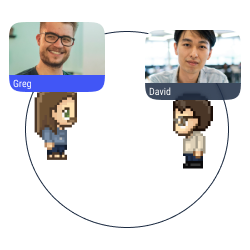
Proximity chat
Approach an avatar with your own avatar to start a conversation (text, audio, or video) in a bubble.
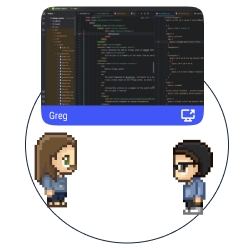
Multiple screen sharing
Share your screen with the users in a conversation bubble.
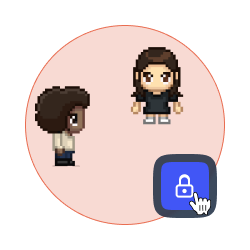
Lock a discussion
Forbid access to your discussion bubble to avoid distractions and disturbances.
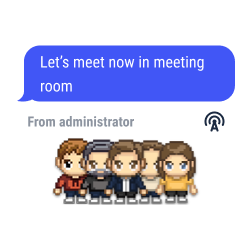
Global announcements and pinned messages
Send text, audio or video messages to all the users connected to your map.
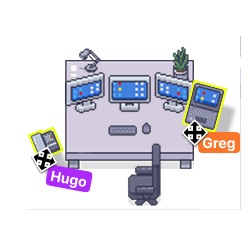
Your space, your style
Add items, pictures and links to your place to feel comfortable with your decoration.
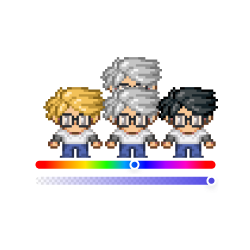
Personalize your avatar
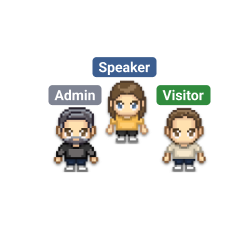
Design your Woka with endless possibilities (skin color, eyes, hair, clothing, accessories, etc.).
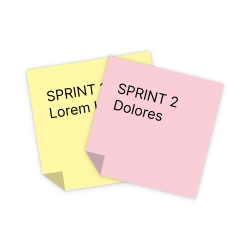
Integration of collaborative tools
Enjoy the benefits of Trello, Notion, Miro and Google Suite on WorkAdventure.
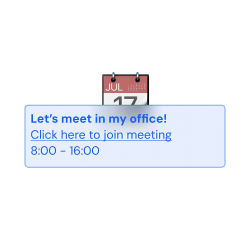
Simple planning
Connect WorkAdventure to your Google Calendar and to Outlook, and check your Microsoft Teams’ calendar and to-do list in our interface.

Gamification
Set requests and badges to improve the user experience.
Tags selection
Pick and assign a tag to every user on your space. Forbid the access to selected spaces according to the tags the users hold.
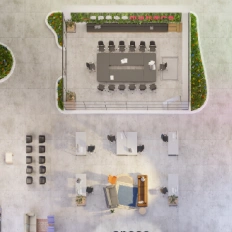
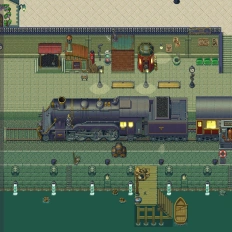
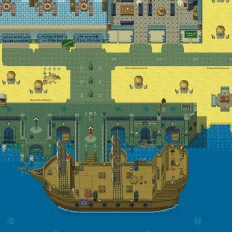
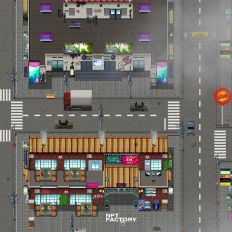
Want a world that reflects your identity?
Our clients say it better
Read the many opinions and comments about our products and services from different companies and institutions.

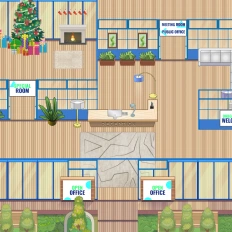
Gamified learning: How Univaq is revolutionizing education with WorkAdventure

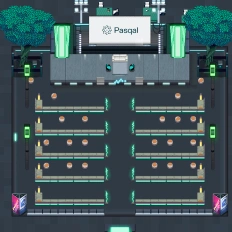
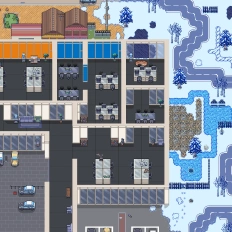
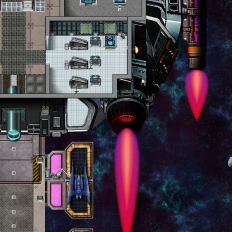
Event, learning and working space: all in one customized map

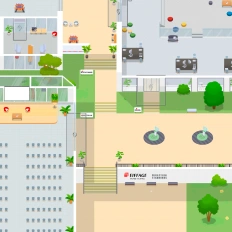
Digital campus: Why the University of Rennes ditched Gather for WorkAdventure
Still have questions?
Can’t find the answer you’re looking for? Please chat to our friendly team.
FAQ
Find answers to the most common questions
-
A WorkAdventure virtual campus is a 2D digital world where you can replicate and improve your real campus layout, so students move between rooms, interact, and learn in a campus-like environment online.
-
You create teaching and conference rooms on the map; when users enter the room, the video call is triggered automatically, which makes classes and webinars smoother than link-based setups.
-
With proximity chat, students start a discussion by simply approaching each other with their avatars WorkAdventure automatically opens a bubble (text/audio/video) for spontaneous teamwork and peer support.
-
WorkAdventure provides global announcements and pinned messages so organizers can broadcast text, audio, or video messages to everyone connected to the campus map useful for schedules, reminders, and live event coordination.
-
WorkAdventure highlights integrations for collaborative tools like Trello, Notion, Miro, and Google Suite, and also offers simple planning by connecting Google Calendar and Outlook (with Teams calendar/to-do visibility in the interface).
-
Yes, WorkAdventure’s tags selection lets you assign a tag to each user and restrict access to selected spaces based on the tags they hold (great for cohorts, private classrooms, or staff zones).
-
The page explicitly positions WorkAdventure as a Gather alternative (including a testimonial stating it “surpassed Gather Town” for virtual world building), and it also references the University of Rennes switching from Gather for a GDPR-aligned, education-focused digital campus.
No results.
Beyond the
Virtual classroom
There’s more to explore beyond the virtual classroom. From interactive onboarding and online training programs to hybrid learning models and virtual events, discover how digital spaces can support learning, collaboration, and engagement in new ways. Dive into related pages to see how virtual education is evolving across different contexts and use cases.