






Gather your team wherever you are
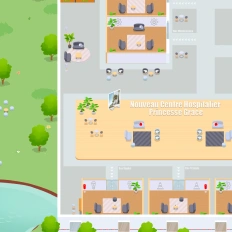
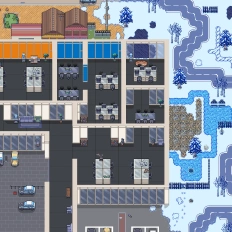
Create a virtual world where all your teammates can access, work, and interact with each other in a digital office with meeting rooms, desks, and multifunctional spaces where everybody has an avatar
Create the digital office of your dreams
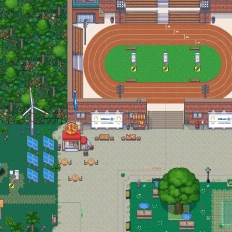
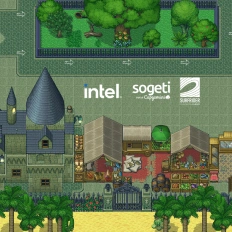
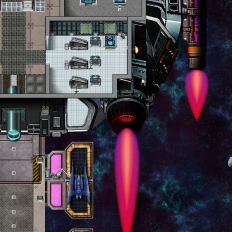
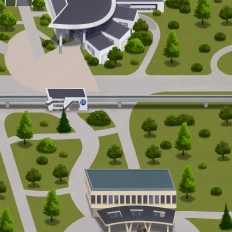
Customize your virtual workplace with an extensive list of visual assets available. Furthermore, you can upload your images and elements, allowing you to design the office of your dreams without physical limitations.
Create spaces for coffee and fun
Design spaces dedicated to having fun, playing games, and having casual conversations, boosting your remote and hybrid teams’ engagement and fulfillment inside your company.
Unify your digital tools
Enjoy the benefits of all your preferred digital tools, unified in a single virtual workspace—apps like Microsoft Teams, Discord, Google Workspace, and more are available and integrated into your interface.
The tools we had didn’t give our teamwork that extra soul—conviviality, spontaneity, informal chats, the off‑duty moments.

Designed for digital workplace
Features You’ll Love
Discover the tools that make remote work feel connected, spontaneous, and productive. From quick one-on-one chats and team huddles to interactive meeting rooms and shared workspaces, these features are designed to recreate and enrich the flow of a physical office. Whether you’re managing a distributed team or building a thriving remote culture, your virtual office has never felt more alive.
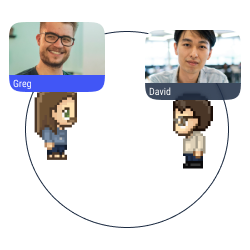
Proximity chat
Approach an avatar with your own avatar to start a conversation (text, audio, or video) in a bubble.
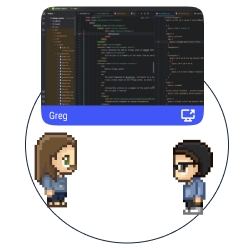
Multiple screen sharing
Share your screen with the users in a conversation bubble.
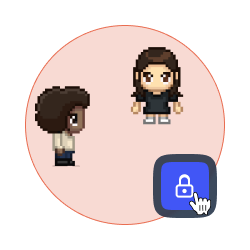
Lock a discussion
Forbid access to your discussion bubble to avoid distractions and disturbances.
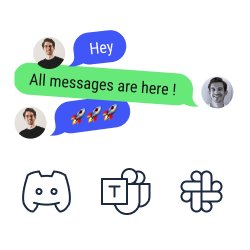
Chat synchronization
Look and answer your text messages from Discord, Slack, and Microsoft Teams on WorkAdventure.
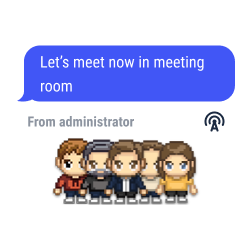
Global announcements and pinned messages
Send text, audio or video messages to all the users connected to your map.
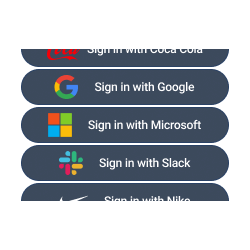
SSO authentication
Access to WorkAdventure with your account of Teams, Slack, Discord, etc.
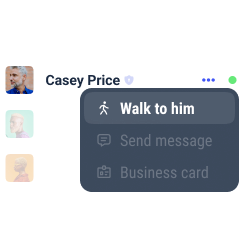
Users’ record
Look at the list of users, check their status, and locate them easily to walk towards them or to send them a message.
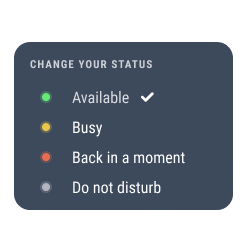
Change your status
Select your status to show how available you are. The status modifications are also automatically shown on Microsoft Teams, Discord, Slack, etc.
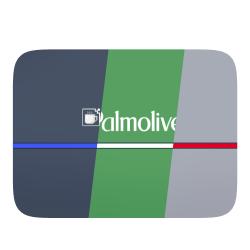
White label mode
Personalize your space with the colors and the brand elements of your company (logo, interface, personalized domain, etc.).
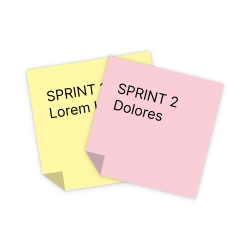
Integration of collaborative tools
Enjoy the benefits of Trello, Notion, Miro and Google Suite on WorkAdventure.
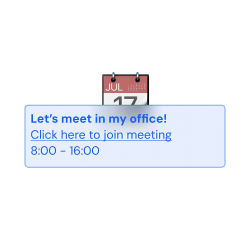
Simple planning
Connect WorkAdventure to your Google Calendar and to Outlook, and check your Microsoft Teams’ calendar and to-do list in our interface.
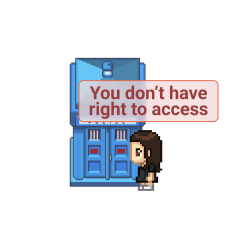
Access management
Define the roles for every user on your map (admins, space creators, users, etc.).
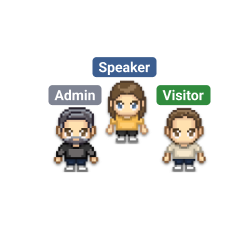
Tags selection
Pick and assign a tag to every user on your space. Forbid the access to selected spaces according to the tags the users hold.
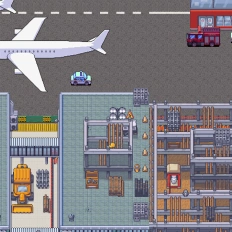
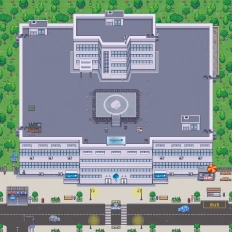
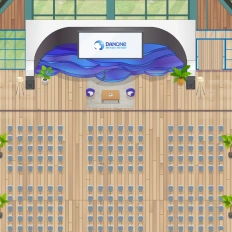
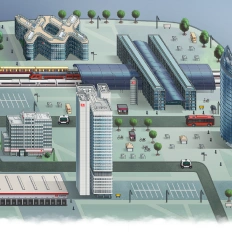
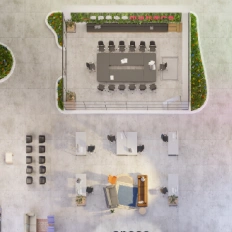
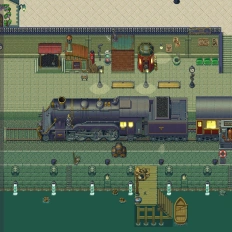
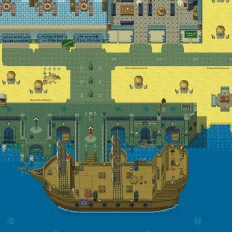
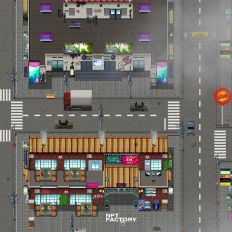
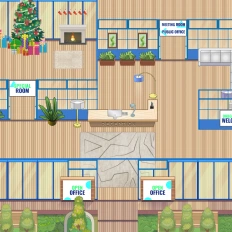
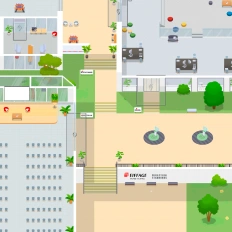
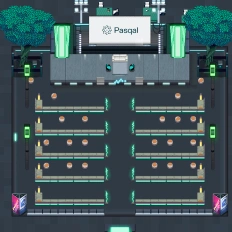
Want a world that reflects your identity?
Our clients say it better
Read the many opinions and comments about our products and services from different companies and institutions.
Gamified learning: How Univaq is revolutionizing education with WorkAdventure

Event, learning and working space: all in one customized map
Digital campus: Why the University of Rennes ditched Gather for WorkAdventure
Still have questions?
Can’t find the answer you’re looking for? Please chat to our friendly team.
FAQ
Find answers to the most common questions
-
WorkAdventure is a 2D virtual office where remote and hybrid teams work in the same interactive space (meeting rooms, desks, multifunctional areas), designed to improve performance, communication, and spontaneous collaboration.
-
With proximity chat, you simply walk your avatar close to someone to start a conversation in a bubble (text, audio, or video). It’s built for quick, spontaneous “can we talk?” moments—without scheduling.
-
Yes, WorkAdventure offers chat synchronization so you can read and reply to messages from Microsoft Teams, Slack, and Discord inside WorkAdventure. It also integrates collaborative tools like Trello, Notion, Miro, and Google Suite in the same workspace.
-
You can send global announcements and pinned messages (text, audio, or video) to everyone connected to the map useful for all-hands updates, event instructions, or urgent information.
-
WorkAdventure supports SSO authentication (login with existing accounts) plus access management (roles like admins/space creators/users) and tags to restrict access to specific spaces based on user tags.
-
Yes, WorkAdventure includes white label mode (colors, logo, interface, personalized domain) and you can also work with the design team to create a custom map that matches your identity (HQ-inspired or totally unique).
No results.
Beyond the
Digital Workplace
There’s more to explore beyond the hybrid teams. From collaborative project hubs and remote onboarding experiences to hybrid team rituals and virtual company events, discover how digital spaces can support productivity, culture, and connection in powerful new ways. Dive into related pages to see how the modern workplace is evolving across different contexts and use cases.