Building my
Digital classroom
Simple and fast — 5 steps and you’re all set!
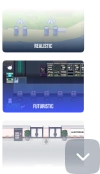


Virtual classroom
Benefits
Replicate the physical classroom and school experience in a virtual environment where students, teachers, and administrators can learn, teach, and collaborate.
Easy interactions between teachers and students
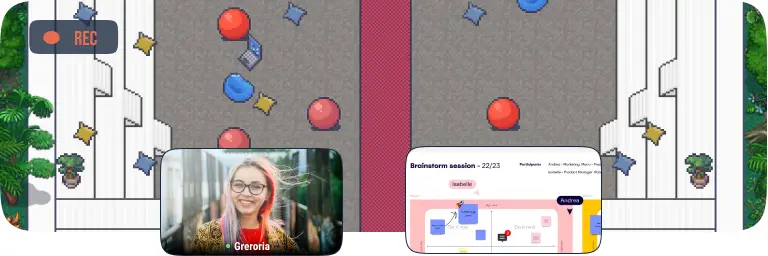
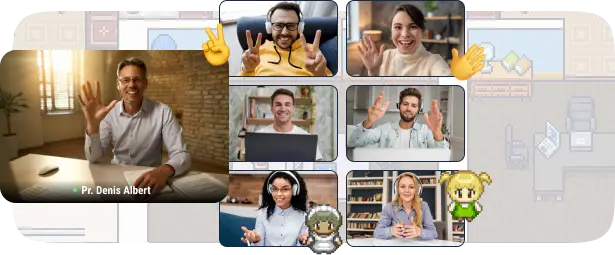
Teachers and professors can give a live video lecture or webinar to their students inside a digital classroom where everybody has an avatar that represents them.
Work in groups for students
Students can approach each other with their avatars to trigger private video conversations, allowing them to complete group assignments collaboratively.
Gamified learning
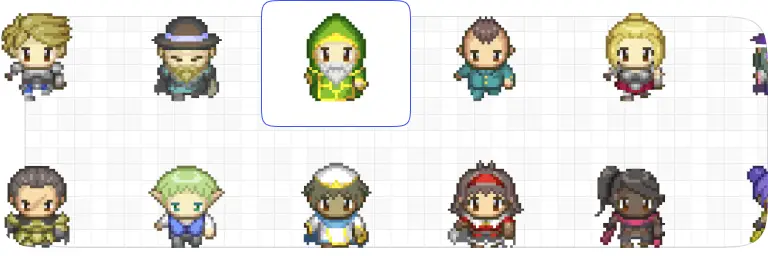
Embrace new ways of teaching by implementing fun and engaging learning paths in your digital classroom. WorkAdventure’s interface supports all kinds of gamified learning engines.
Keep track of everything
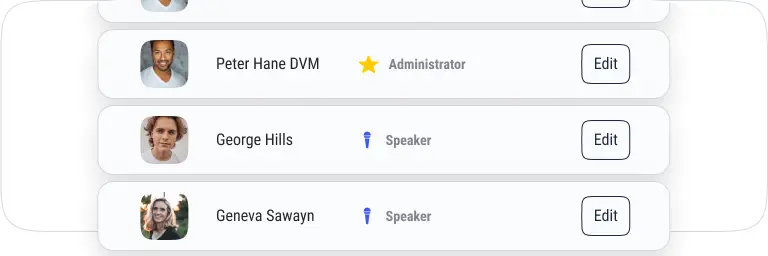
Supervise the students’ and teachers’ activities within the digital learning environment, and provide counseling and feedback when necessary.
Designed for virtual classrooms
Features You’ll Love
Discover the tools that make remote work feel connected, spontaneous, and productive. From quick one-on-one chats and team huddles to interactive meeting rooms and shared workspaces, these features are designed to recreate and enrich the flow of a physical office. Whether you’re managing a distributed team or building a thriving remote culture, your virtual office has never felt more alive.
Proximity chat
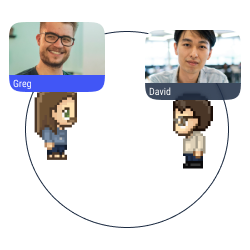
Approach an avatar with your own avatar to start a conversation (text, audio, or video) in a bubble.
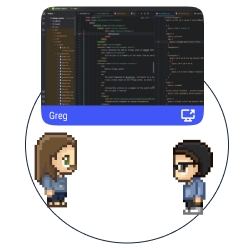
Multiple screen sharing
Share your screen with the users in a conversation bubble.
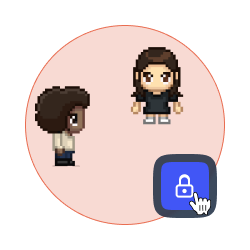
Lock a discussion
Forbid access to your discussion bubble to avoid distractions and disturbances.
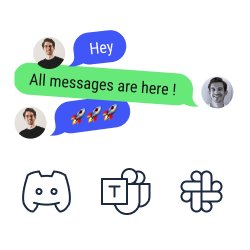
Chat synchronization
Look and answer your text messages from Discord, Slack, and Microsoft Teams on WorkAdventure.
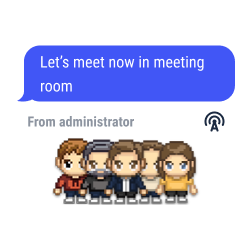
Global announcements and pinned messages
Send text, audio or video messages to all the users connected to your map.
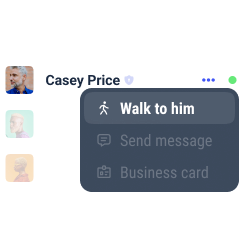
Users’ record
Look at the list of users, check their status, and locate them easily to walk towards them or to send them a message.
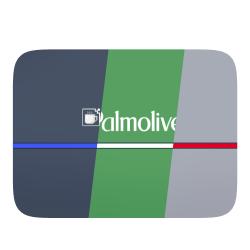
White label mode
Personalize your space with the colors and the brand elements of your company (logo, interface, personalized domain, etc.).
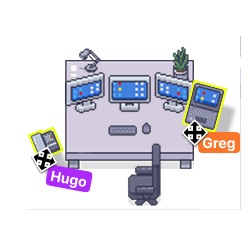
Your space, your style
Add items, pictures and links to your place to feel comfortable with your decoration.
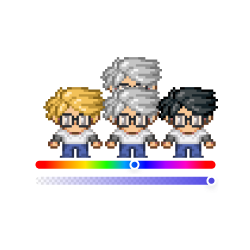
Personalize your avatar
Design your Woka with endless possibilities (skin color, eyes, hair, clothing, accessories, etc.).

Gamification
Set requests and badges to improve the user experience.
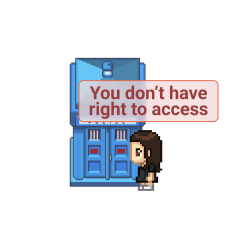
Access management
Define the roles for every user on your map (admins, space creators, users, etc.).
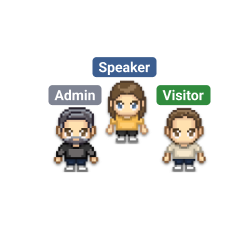
Tags selection
Pick and assign a tag to every user on your space. Forbid the access to selected spaces according to the tags the users hold.
Check our use case
For digital classroom
Discover how educators use our virtual classrooms to make learning more engaging, interactive, and social.
From live lessons to immersive campus experiences, explore how digital spaces can transform education.
Boost the teaching and learning experience on your virtual campus.
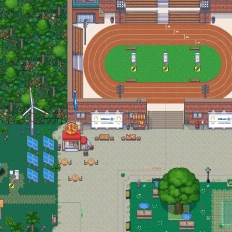
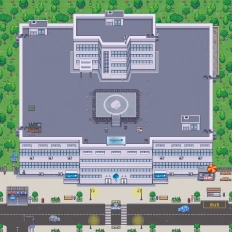
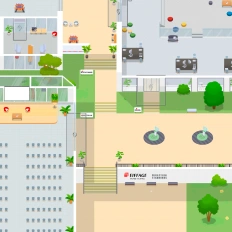
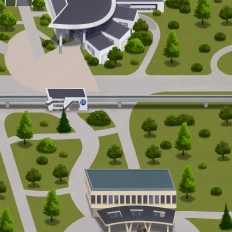
Replicate your school campus in a virtual world
Improve your students’ learning experience and skills
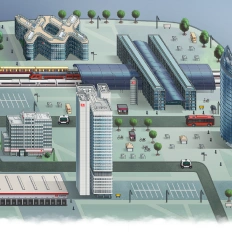
Show your campus and study programs online

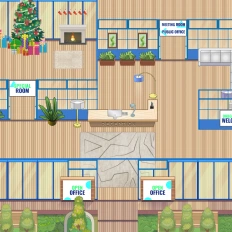
Want a world that reflects your identity?
Our clients say it better
Read the many opinions and comments about our products and services from different companies and institutions.

Gamified learning: How Univaq is revolutionizing education with WorkAdventure

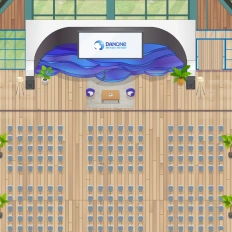
Event, learning and working space: all in one customized map

Digital campus: Why the University of Rennes ditched Gather for WorkAdventure

Want a world that reflects your identity?
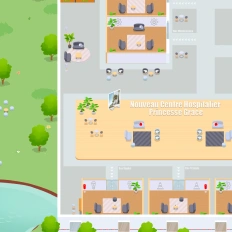
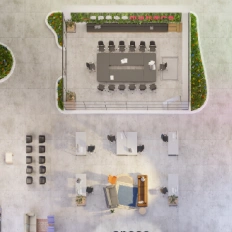
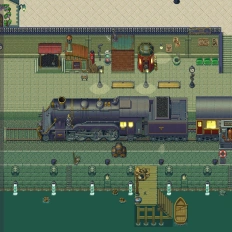
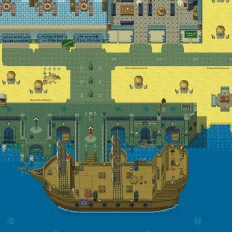
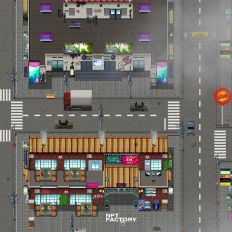
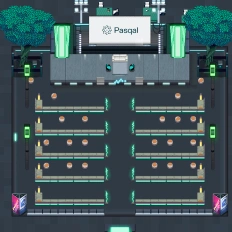
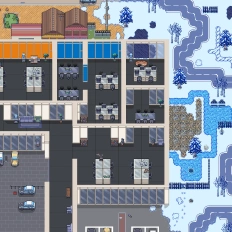
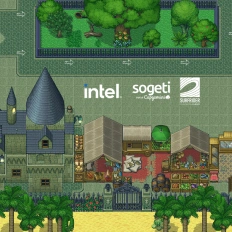
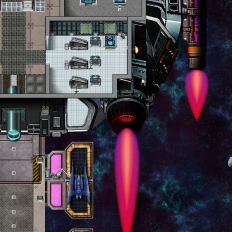
You can also call on our design team to create a custom map—perfectly aligned with your company’s branding or completely out of the box: under palm trees, in your HQ offices, or on a distant planet.