



Make learning a fun experience
Assign missions and quests to your students in the different classrooms, involving tasks, projects, and quizzes. Guide them throughout their journey through the different rooms of your virtual world and reward them with a virtual badge.
Sync your preferred teaching apps
Connect your favorite learning and teaching tools to WorkAdventure and get access to them through our platform, unifying them in one virtual classroom.
Take virtual classes and webinars to the next level
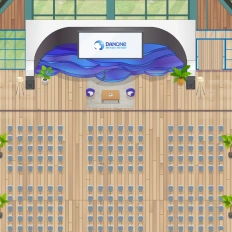
Create conferences and teaching rooms where students and teachers can see and interact with each other automatically through a video call, which is automatically triggered when they enter.
Encourage students to collaborate in teams
Invite your students to interact and work with each other collaboratively just by approaching each other with their avatars, automatically triggering a video discussion where students can collaborate spontaneously.
"In my opinion, having a tool that provides a unique space to do all these types of different learning activities is amazing. In a sense, it’s very powerful for me. So, a unique space where the student can execute different types of activities that are orchestrated by various learning tools. This is amazing."

Top Features for Gamified Learning Platforms
Looking to increase engagement, motivation, and retention in your online learning environment? Discover the top features that make gamified learning platforms truly effective. From interactive challenges and progress tracking to badges, leaderboards, and real-time feedback, these tools help turn passive learning into an active, game-like experience. Whether you’re building an e-learning app, a virtual classroom, or a corporate training space, these gamification features are key to boosting learner participation and outcomes.
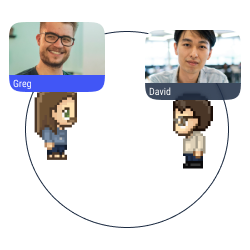
Proximity chat
Approach an avatar with your own avatar to start a conversation (text, audio, or video) in a bubble.
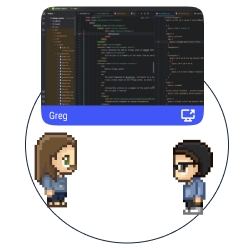
Multiple screen sharing
Share your screen with the users in a conversation bubble.
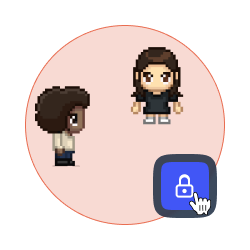
Lock a discussion
Forbid access to your discussion bubble to avoid distractions and disturbances.
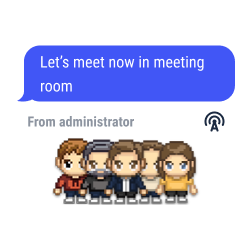
Global announcements and pinned messages
Send text, audio or video messages to all the users connected to your map.
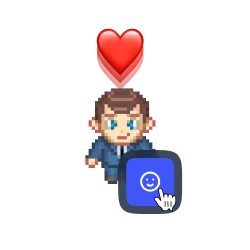
Quick reaction
Pick an emoji to show on the top of your avatar as a quick reaction
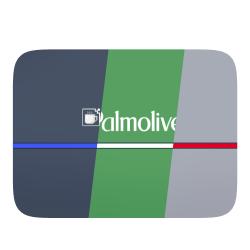
White label mode
Personalize your space with the colors and the brand elements of your company (logo, interface, personalized domain, etc.).
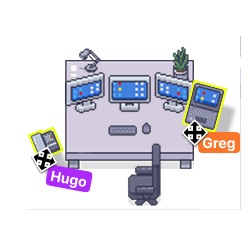
Your space, your style
Add items, pictures and links to your place to feel comfortable with your decoration.
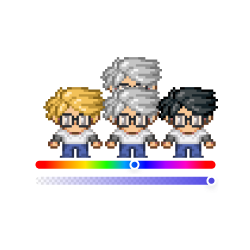
Personalize your avatar
Design your Woka with endless possibilities (skin color, eyes, hair, clothing, accessories, etc.).
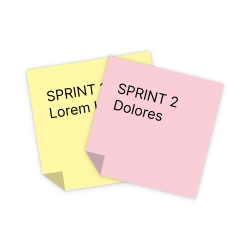
Integration of collaborative tools
Enjoy the benefits of Trello, Notion, Miro and Google Suite on WorkAdventure.
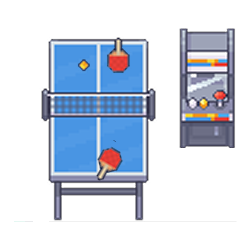
Games and fun
Play minigames in your space to reinforce the user engagement.
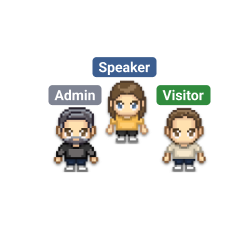
Tags selection
Pick and assign a tag to every user on your space. Forbid the access to selected spaces according to the tags the users hold.
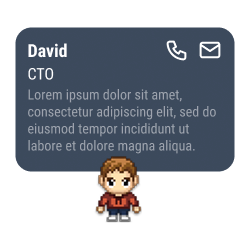
Business card
Write your digital presentation card which will be shown to the users who are interested in your profile, making networking easier.
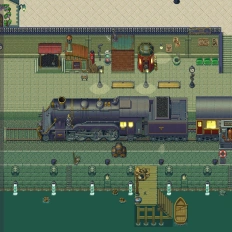
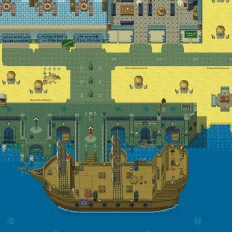
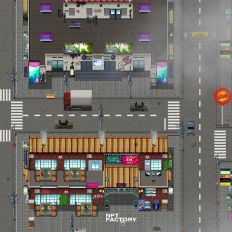
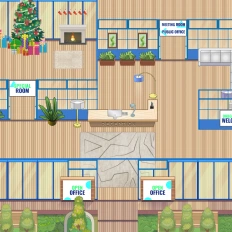
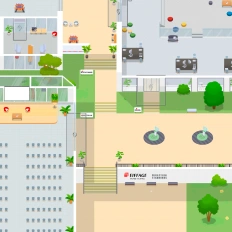
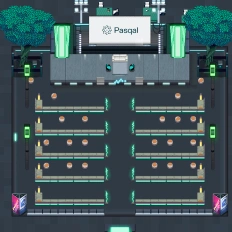
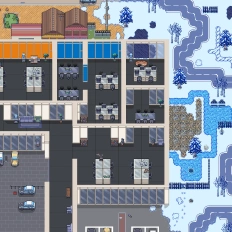
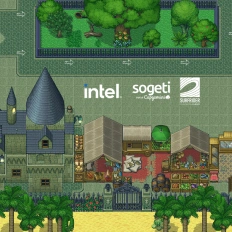
Want a world that reflects your identity?
Our clients say it better
Read the many opinions and comments about our products and services from different companies and institutions.

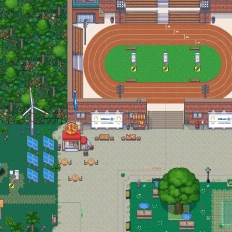
Gamified learning: How Univaq is revolutionizing education with WorkAdventure

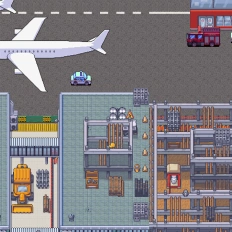
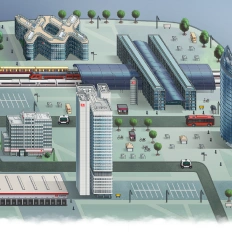
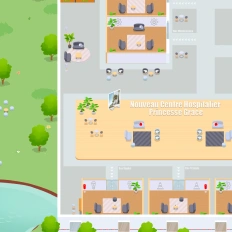
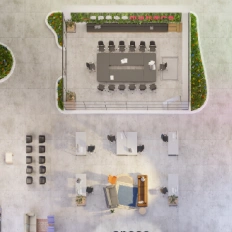
Event, learning and working space: all in one customized map

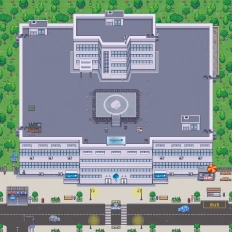
Digital campus: Why the University of Rennes ditched Gather for WorkAdventure
Still have questions?
Can’t find the answer you’re looking for? Please chat to our friendly team.
FAQ
Find answers to the most common questions
-
WorkAdventure lets you embed a gamified learning path into a 2D virtual classroom, so students move through rooms, complete activities, and interact with teachers inside one shared virtual world (instead of switching between disconnected tools).
-
You can assign missions and quests across different classrooms (tasks, projects, quizzes), guide learners through the map step-by-step, and reward completion with a virtual badge—a simple way to boost motivation and completion rates.
-
In WorkAdventure, you create teaching rooms and conference areas where the video call starts automatically when users enter. It removes the usual friction of creating and sharing meeting links for every session.
-
WorkAdventure is built for spontaneous collaboration: with proximity chat, students just walk up to each other to start a text/audio/video bubble. During group work, they can use screen sharing (including multiple screen sharing inside a bubble) to present and build together.
-
Yes, WorkAdventure highlights integrations that let you access tools such as Trello, Notion, Miro, and Google Suite directly from the virtual classroom, so the “learning hub” stays inside one environment.
-
WorkAdventure includes features to keep learning structured: you can lock a discussion bubble to avoid interruptions, and use tags selection to assign tags to users and restrict access to specific spaces useful for cohorts, groups, or private classrooms.
-
Yes, WorkAdventure offers white label mode (brand elements like logo/colors and a personalized domain), lets you decorate your map with items/links, add mini-games for engagement, and even work with the design team to create a custom map aligned with your identity.
No results.
Beyond the
Gamified learning
Looking to explore more? Virtual education goes far beyond gamified learning. Discover related topics like virtual classrooms, online collaboration tools, immersive training environments, remote onboarding, and more. Whether you’re designing educational experiences for schools, universities, or corporate teams, these pages will guide you through the many possibilities of digital learning.