Connect people from everywhere
Access the networking event no matter where you are and get to know participants from all over the world. Furthermore, people with mobility impairments can also easily access this tech event with just one click.
Arrange rooms with specific themes
Create customized spaces and assign a theme to each one of them. This will allow people to go to rooms and spaces aligned with their specific needs and preferences.
Reducing social anxiety
Encourage people to interact with each other spontaneously by approaching with their avatars; this helps to reduce the normal anxiety and awkwardness of in-person encounters.
Reduced costs of accommodation and logistics
Explore all the possibilities for your networking event without worrying about the high prices involved in accommodation, logistics, and commuting. Hosting online events allows you to unleash the true potential of your ideas at a very reasonable price.
“WorkAdventure for us is unity, because it allows us to break borders and bring distributed teams all over Europe together in one single space. It is also creativity and surprise, because for us it is an innovative system to welcome them and to make them create social links.”

Designed for a networking event. Features You’ll Love
Discover the tools that make virtual events feel personal, dynamic, and efficient. From spaces with customized themes and live chat with participants, CEOs, and idols, these features are designed to recreate and elevate the experience of in-person social gatherings. Whether you’re hosting a Meet & Greet, a networking event, a product launch, an online hackathon, a convention, a conference, or a workshop, your social events have never felt more engaging.
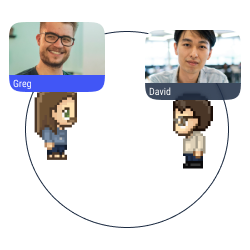
Proximity chat
Approach an avatar with your own avatar to start a conversation (text, audio, or video) in a bubble.
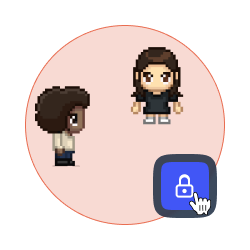
Lock a discussion
Forbid access to your discussion bubble to avoid distractions and disturbances.
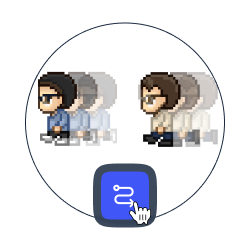
Follow somebody
Approach an avatar and click on the “follow” button so they can follow you and your movements.
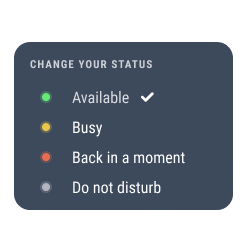
Change your status
Select your status to show how available you are. The status modifications are also automatically shown on Microsoft Teams, Discord, Slack, etc.
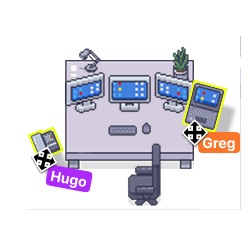
Your space, your style
Add items, pictures and links to your place to feel comfortable with your decoration.

Gamification
Set requests and badges to improve the user experience.
Want a world that reflects your identity?
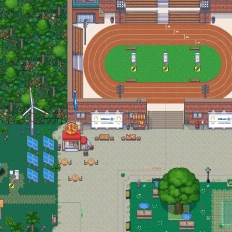
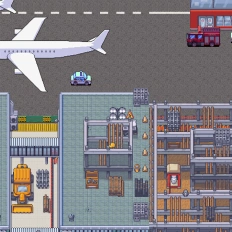
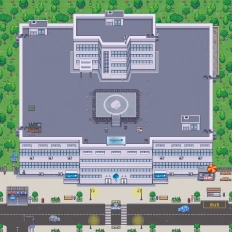
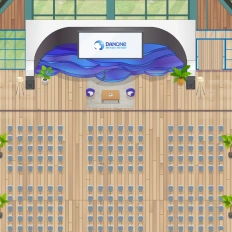
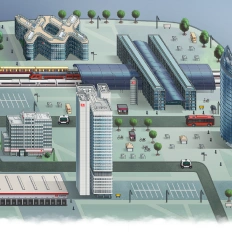
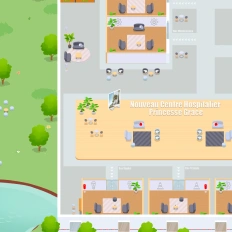
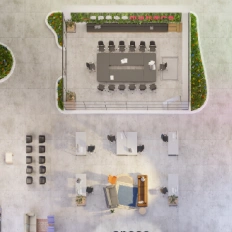
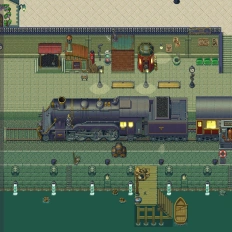
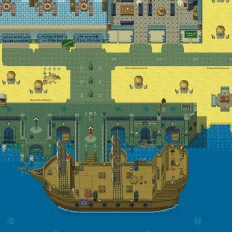
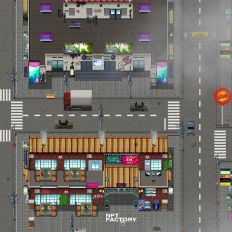
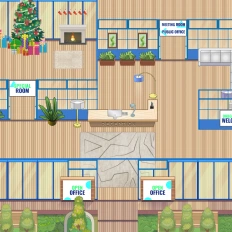
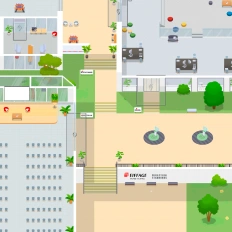
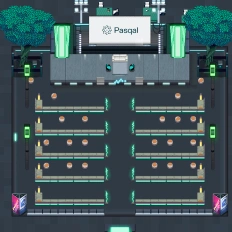
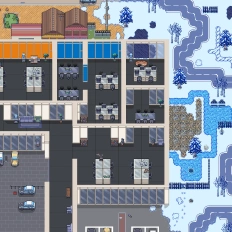
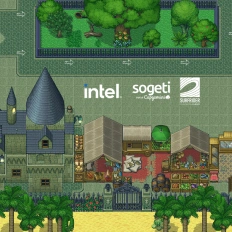
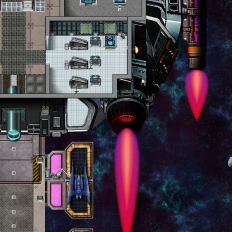
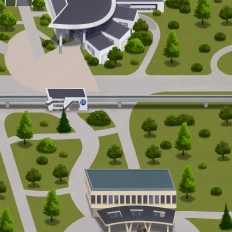
Our clients say it better
Read the many opinions and comments about our products and services from different companies and institutions.

Gamified learning: How Univaq is revolutionizing education with WorkAdventure

Event, learning and working space: all in one customized map

Digital campus: Why the University of Rennes ditched Gather for WorkAdventure
Still have questions?
Can’t find the answer you’re looking for? Please chat to our friendly team.
FAQ
Find answers to the most common questions
-
A WorkAdventure networking event happens inside a dynamic 2D virtual environment where participants can freely move, meet people naturally, and network without travel—accessible from anywhere with a simple entry flow.
-
With proximity chat, attendees just walk their avatar toward someone to start a conversation (text, audio, or video) in a bubble—so networking feels spontaneous, like “walking up to someone” in a real venue.
-
WorkAdventure uses avatar-based interactions to make first contact easier: approaching someone triggers a conversation naturally, which helps reduce the awkwardness people often feel in traditional in-person networking or rigid “meeting link” formats.
-
Yes, WorkAdventure lets you arrange rooms with specific themes so participants can self-select into spaces aligned with their needs (e.g., “Product,” “Investors,” “Career talks,” “French/English”). This makes introductions faster and more relevant.
-
You can lock a discussion bubble to restrict access, keeping a 1:1 or small-group conversation private and distraction-free—useful for VIP networking, partner chats, or mentor sessions.
-
Yes—participants can use Follow to move together during the event, and they can change their status to signal availability. Status updates can also be shown automatically in tools like Microsoft Teams, Slack, and Discord, which helps coordination during large events.
-
Absolutely: you can decorate spaces with items, pictures, and links, and WorkAdventure can also build a custom map aligned with your branding (or a fully original theme). On top of that, you can use requests and badges to gamify the experience and increase participation.
No results.
Beyond the Online Networking
There’s more to explore beyond the online networking. From immersive digital workshops to interactive conventions, conferences, product launches, meet & greet events, and online hackathons. Discover how digital spaces can transform the way you gather people and host social and professional events. Dive into related pages to see how virtual events are evolving across different formats.