Boost the teaching and learning experience on your virtual campus.




Make learning a fun experience
Assign missions and quests to your students in the different classrooms, involving tasks, projects, and quizzes. Guide them throughout their journey through the various rooms of your virtual world and reward them with a virtual badge.
Take virtual classes and webinars to the next level
Create conference and teaching rooms where students and teachers can see and interact with each other automatically through a video call, which is triggered automatically when they enter.
Encourage students to collaborate in teams
Invite your students to interact and work with each other collaboratively just by approaching each other with their avatars, automatically triggering a video discussion where students can collaborate spontaneously.
Sync your preferred teaching apps
Connect your favorite learning and teaching tools to WorkAdventure and get access to them through our platform, unifying them in one virtual classroom.
So, at the end, the WorkAdventure is our UI that also provides all the facilities to integrate the tools and communicate with our execution engine with AI that we are also using. And also, the collaboration with the students is something that we want to have in the picture. And WorkAdventure, in my opinion, is the right tool to have this nice interface for students.

Designed for e-learning
Features You’ll Love
Discover the tools that make online learning feel natural, engaging, and effective. From real-time collaboration and interactive whiteboards to spontaneous discussions and breakout spaces, these features are designed to replicate and even enhance the dynamics of a physical classroom. Whether you’re teaching a small group or running a large-scale training session, your virtual classroom has never felt more alive.
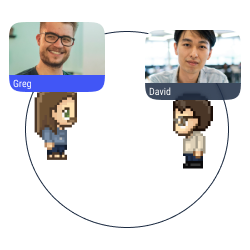
Proximity chat
Approach an avatar with your own avatar to start a conversation (text, audio, or video) in a bubble.
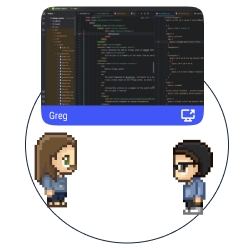
Multiple screen sharing
Share your screen with the users in a conversation bubble.
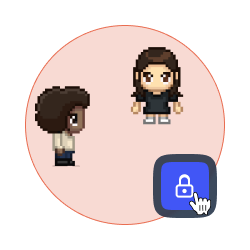
Lock a discussion
Forbid access to your discussion bubble to avoid distractions and disturbances.
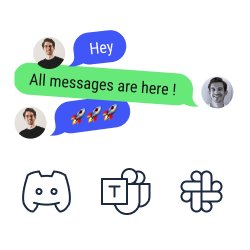
Chat synchronization
Look and answer your text messages from Discord, Slack, and Microsoft Teams on WorkAdventure.
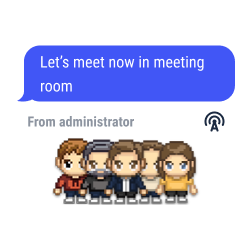
Global announcements and pinned messages
Send text, audio or video messages to all the users connected to your map.
SSO authentication
Access to WorkAdventure with your account of Teams, Slack, Discord, etc.
Integration of collaborative tools
Enjoy the benefits of Trello, Notion, Miro and Google Suite on WorkAdventure.

Gamification
Set requests and badges to improve the user experience.
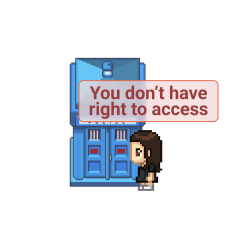
Access management
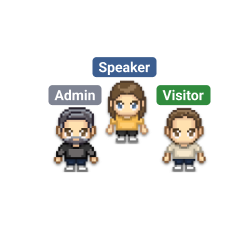
Define the roles for every user on your map (admins, space creators, users, etc.).
Tags selection
Pick and assign a tag to every user on your space. Forbid the access to selected spaces according to the tags the users hold.
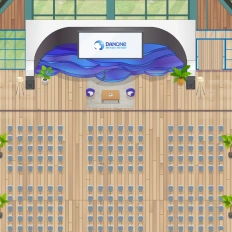
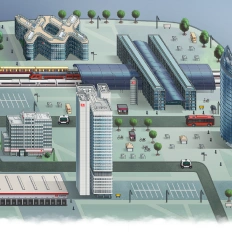
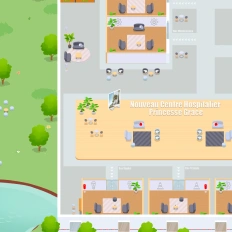
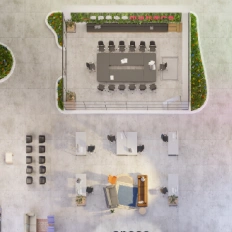
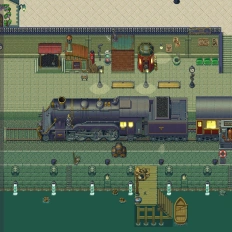
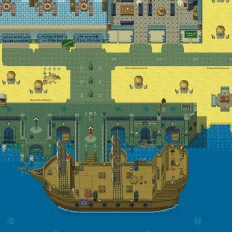
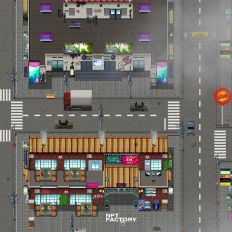
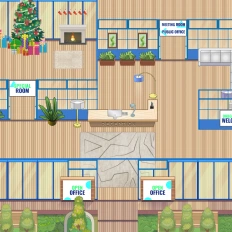
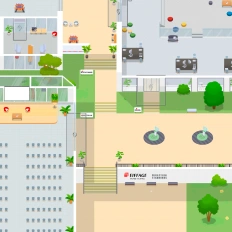
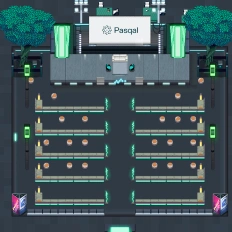
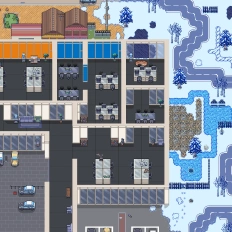
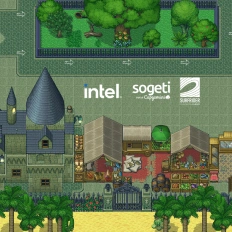
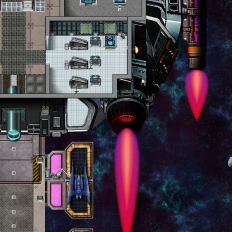
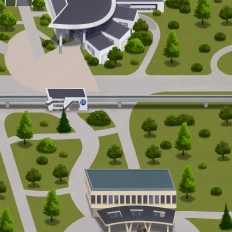
Want a world that reflects your identity?

Our clients say it better
Read the many opinions and comments about our products and services from different companies and institutions.

Gamified learning: How Univaq is revolutionizing education with WorkAdventure

Event, learning and working space: all in one customized map

Digital campus: Why the University of Rennes ditched Gather for WorkAdventure

Still have questions?
Can’t find the answer you’re looking for? Please chat to our friendly team.
FAQ
Find answers to the most common questions
-
WorkAdventure is a 2D virtual campus where teachers and students move between rooms and interact inside the same environment—built to make online learning feel more like a real campus than a set of disconnected calls.
-
You create teaching and conference rooms, and the video call is triggered automatically when participants enter the room reducing “meeting link” friction for classes and webinars.
-
With proximity chat, students can simply approach each other (avatar-to-avatar) to start a conversation in a bubble (text, audio, or video), enabling spontaneous teamwork and quick peer support.
-
Yes, WorkAdventure lets you assign missions and quests (tasks, projects, quizzes) across classrooms and reward learners with badges, so progress feels clearer and more motivating.
-
WorkAdventure supports SSO authentication, role-based access management (admins, space creators, users, etc.), and tags to restrict access to selected spaces—useful for separating cohorts, classes, or staff-only areas.
-
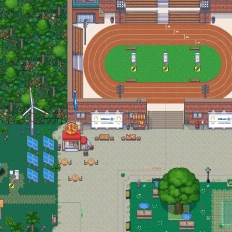
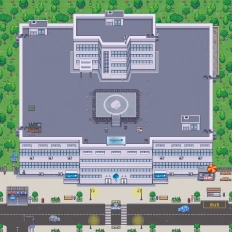
Yes, you can work with WorkAdventure’s design team to create a custom map aligned with your branding (or a unique theme), so your e-learning campus matches your identity.
No results.
Beyond the
E-learning
There’s more to explore beyond e-learning. From interactive onboarding and online training programs to hybrid learning models and virtual events, discover how digital spaces can support learning, collaboration, and engagement in new ways. Dive into related pages to see how virtual education is evolving across different contexts and use cases.