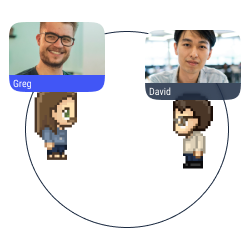
Chat de proximité
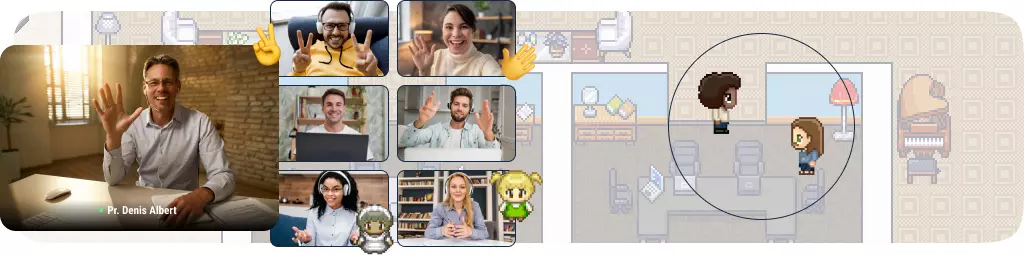
Approchez-vous d'un avatar avec votre propre avatar pour démarrer une conversation (texte, audio ou vidéo) dans une bulle.

Partage d'écran multiple
Partagez votre écran avec les utilisateurs dans une bulle de conversation.
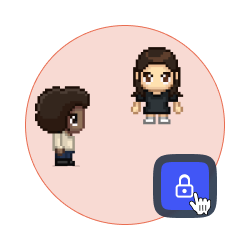
Verrouiller une discussion
Interdisez l'accès à votre bulle de discussion pour éviter les distractions et les perturbations.
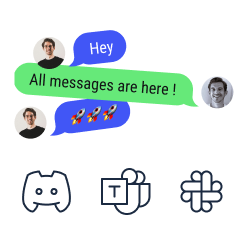
Synchronisation du chat
Consultez et répondez à vos messages texte de Discord, Slack et Microsoft Teams sur WorkAdventure.
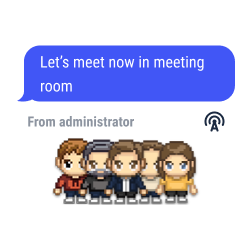
Annonces globales et messages épinglés
Envoyez des messages texte, audio ou vidéo à tous les utilisateurs connectés à votre carte.
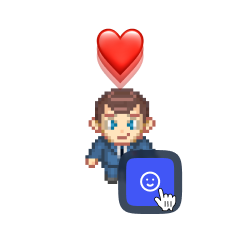
Réaction rapide
Choisissez un emoji à afficher en haut de votre avatar comme réaction rapide
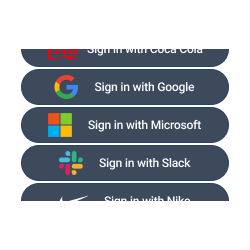
Authentification SSO
Accédez à WorkAdventure avec votre compte Teams, Slack, Discord, etc.
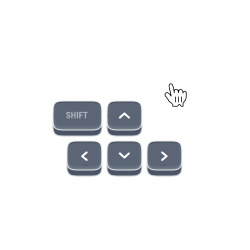
Déplacement précis
Déplacez-vous sur la carte en utilisant les flèches de votre clavier. Vous pouvez également cliquer sur le point et l'endroit où vous souhaitez aller.

Suivre quelqu'un
Approchez-vous d'un avatar et cliquez sur le bouton "suivre" pour qu'il puisse vous suivre et suivre vos mouvements.

Registre des utilisateurs
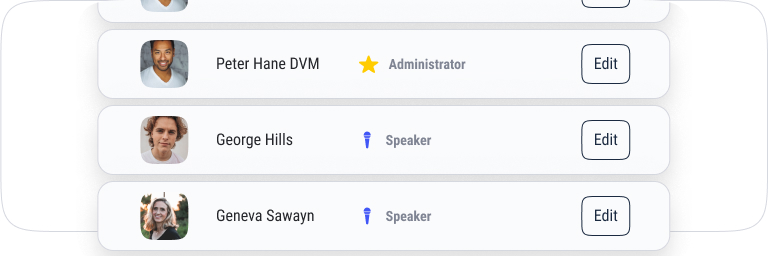
Consultez la liste des utilisateurs, vérifiez leur statut et localisez-les facilement pour vous diriger vers eux ou leur envoyer un message.
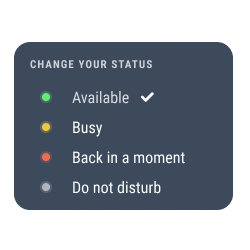
Changer votre statut
Sélectionnez votre statut pour indiquer votre disponibilité. Les modifications de statut sont également automatiquement affichées sur Microsoft Teams, Discord, Slack, etc.
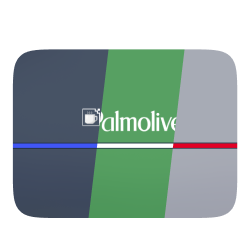
Mode white label
Personnalisez votre espace avec les couleurs et les éléments de marque de votre entreprise (logo, interface, domaine personnalisé, etc.).
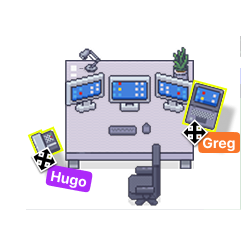
Votre espace, votre style
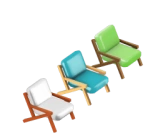
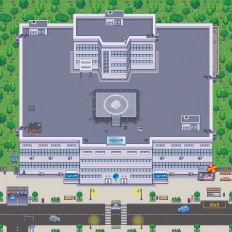
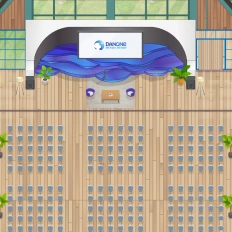
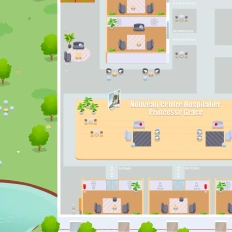
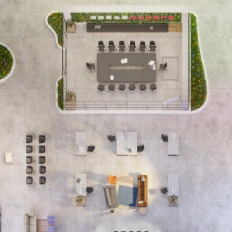
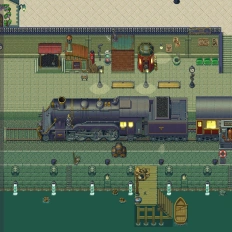
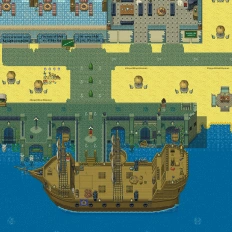
Ajoutez des objets, des images et des liens à votre lieu pour vous sentir à l'aise avec votre décoration.
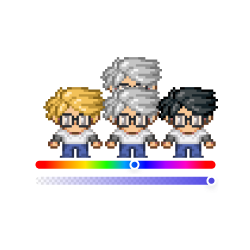
Personnalisez votre avatar
Concevez votre Woka avec des possibilités infinies (couleur de peau, yeux, cheveux, vêtements, accessoires, etc.).
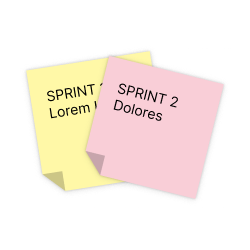
Intégration d'outils collaboratifs
Profitez des avantages de Trello, Notion, Miro et Google Suite sur WorkAdventure.
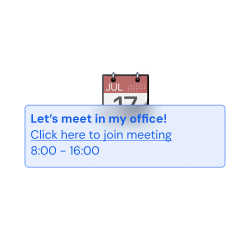
Planification simple
Connectez WorkAdventure à votre Google Calendar et à Outlook, et consultez votre calendrier Microsoft Teams et votre liste de tâches dans notre interface.

Gamification
Définissez des demandes et des badges pour améliorer l'expérience utilisateur.