Migrating from gather.town?
Get a discount!

Improve your employees’ performance and communication in a digital workplace

Create a virtual office where your remote and hybrid teams can work together, interact with each other spontaneously, and collaborate inside an interactive digital environment.
Allianz Logo SVG Bedrock Logo SVG Bosch Logo SVG Capgemini Logo SVG Danone Logo SVG DB Logo SVG Eiffage Logo SVG KPGM Logo SVG Palmolive Logo SVG Renault Group Logo SVG Stanford University Logo SVG Veepee Logo SVG

Gather your team wherever you are

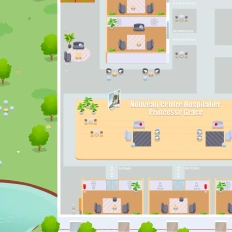
Create a virtual world where all your teammates can access, work, and interact with each other in a digital office with meeting rooms, desks, and multifunctional spaces where everybody has an avatar

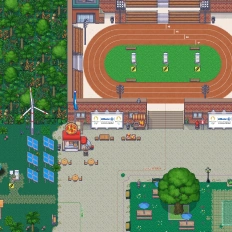
Create the digital office of your dreams

Customize your virtual workplace with an extensive list of visual assets available. Furthermore, you can upload your images and elements, allowing you to design the office of your dreams without physical limitations.

Create spaces for coffee and fun

Design spaces dedicated to having fun, playing games, and having casual conversations, boosting your remote and hybrid teams’ engagement and fulfillment inside your company.

Unify your digital tools

Enjoy the benefits of all your preferred digital tools, unified in a unique virtual workspace—apps like Microsoft Teams, Discord, Google Workplace, and more are available and integrated into your interface.

The tools we had didn’t give our teamwork that extra soul—conviviality, spontaneity, informal chats, the off‑duty moments.

Bertrand Ribière picture
Bertrand Ribière
Head of Communications at Bouygues Bâtiment International

Designed for digital workplace
Features You’ll Love

Discover the tools that make remote work feel connected, spontaneous, and productive. From quick one-on-one chats and team huddles to interactive meeting rooms and shared workspaces, these features are designed to recreate and enrich the flow of a physical office. Whether you’re managing a distributed team or building a thriving remote culture, your virtual office has never felt more alive.

Get closer to talk in virtual world

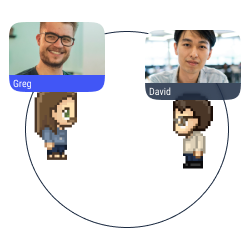
Proximity chat

Approach an avatar with your own avatar to start a conversation (text, audio, or video) in a bubble.
Share your at the same time your screens

Multiple screen sharing

Share your screen with the users in a conversation bubble.
Talk privately

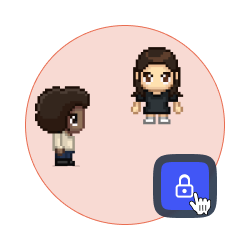
Lock a discussion

Forbid access to your discussion bubble to avoid distractions and disturbances.
Synch your chat with Microsft Teams, Slack, Discord

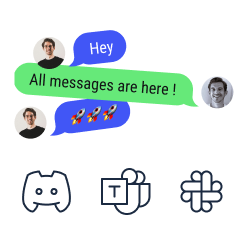
Chat synchronization

Look and answer your text messages from Discord, Slack, and Microsoft Teams on WorkAdventure.
Global announcements and pinned messages

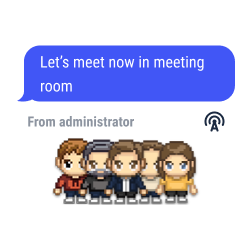
Global announcements and pinned messages

Send text, audio or video messages to all the users connected to your map.
Restrict access to your virtual world

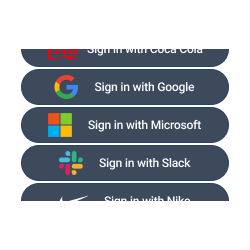
SSO authentication

Access to WorkAdventure with your account of Teams, Slack, Discord, etc.
Get all user connected or not

Users’ record

Look at the list of users, check their status, and locate them easily to walk towards them or to send them a message.
Change your status on Workadventure

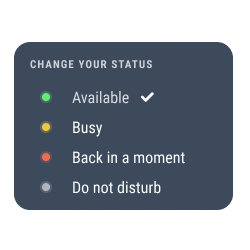
Change your status

Select your status to show how available you are. The status modifications are also automatically shown on Microsoft Teams, Discord, Slack, etc.
Customize your UI / Interface with your own colors

White label mode

Personalize your space with the colors and the brand elements of your company (logo, interface, personalized domain, etc.).
Integrated tools in Workadventure

Integration of collaborative tools

Enjoy the benefits of Trello, Notion, Miro and Google Suite on WorkAdventure.
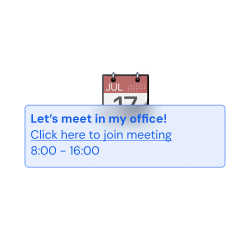
Invite user with calendar virtual office

Simple planning

Connect WorkAdventure to your Google Calendar and to Outlook, and check your Microsoft Teams’ calendar and to-do list in our interface.
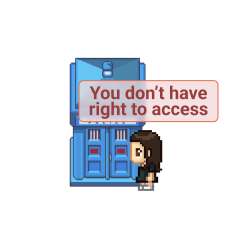
Restrict access virtual office

Access management

Define the roles for every user on your map (admins, space creators, users, etc.).
Categorize users in virtual offices

Tags selection

Pick and assign a tag to every user on your space. Forbid the access to selected spaces according to the tags the users hold.
Chat API

Want a world that reflects your identity?

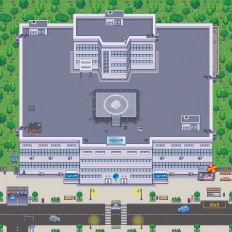
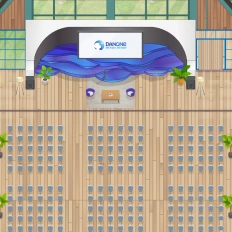
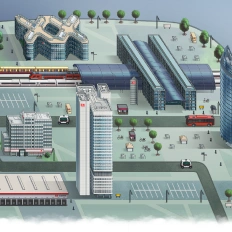
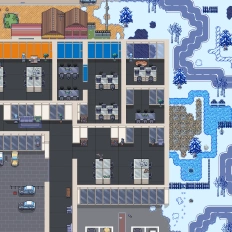
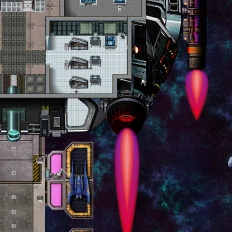
You can also call on our design team to create a custom map—perfectly aligned with your company’s branding or completely out of the box: under palm trees, in your HQ offices, or on a distant planet.
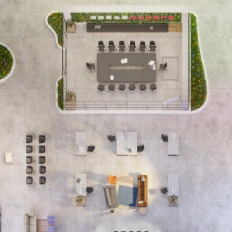
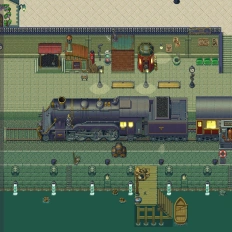
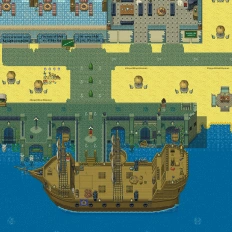
Allianz virtual world example Bouygues virtual world example Capgemini virtual world example Danone virtual world example DB virtual world example Eiffage virtual world example Futuristic virtual world example HarryPotter virtual world example Sogeti2 virtual world example
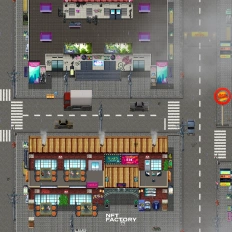
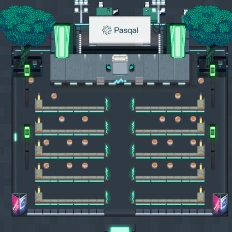
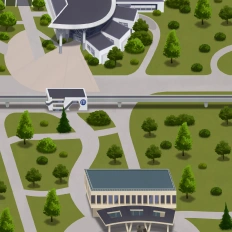
NFT virtual world example Danone2 virtual world example Eiffage2 virtual world example Pasqal virtual world example Renault virtual world example Sogeti virtual world example Space virtual world example Univ virtual world example

Our clients say this better

Read the numerous opinions and comments about our products and services for different companies and institutions.

Logo of company who build Gamified learning: How Univaq is revolutionizing education with WorkAdventure

Gamified learning: How Univaq is revolutionizing education with WorkAdventure

Learn how Univaq implemented a gamified learning program thanks to WorkAdventure, a virtual world platform with a big education goal.
Logo of company who build Event, learning and working space: all in one customized map

Event, learning and working space: all in one customized map

Pasqal ran a 100% online hackathon on a customized WorkAdventure map ceremonies, webinars, 15 team offices, and spontaneous chats.
Logo of company who build Digital campus: Why the University of Rennes ditched Gather for WorkAdventure

Digital campus: Why the University of Rennes ditched Gather for WorkAdventure

The University of Rennes chose WorkAdventure over other companies to build its customized digital campus. Learn more about this story.
Greg R (CEO) avatar
Still have questions?
Can’t find the answer you’re looking for? Please chat to our friendly team.

FAQ

Find answers to the most common questions

  • WorkAdventure is a 2D virtual office where remote and hybrid teams work in the same interactive space (meeting rooms, desks, multifunctional areas), designed to improve performance, communication, and spontaneous collaboration.

  • With proximity chat, you simply walk your avatar close to someone to start a conversation in a bubble (text, audio, or video). It’s built for quick, spontaneous “can we talk?” moments—without scheduling.

  • Yes WorkAdventure supports multiple screen sharing inside a conversation bubble, and you can lock a discussion to prevent interruptions and keep a meeting private and focused.

  • Yes WorkAdventure offers chat synchronization so you can read and reply to messages from Microsoft Teams, Slack, and Discord inside WorkAdventure. It also integrates collaborative tools like Trello, Notion, Miro, and Google Suite in the same workspace.

  • You can send global announcements and pinned messages (text, audio, or video) to everyone connected to the map useful for all-hands updates, event instructions, or urgent information.

  • WorkAdventure supports SSO authentication (login with existing accounts) plus access management (roles like admins/space creators/users) and tags to restrict access to specific spaces based on user tags.

  • Yes WorkAdventure includes white label mode (colors, logo, interface, personalized domain) and you can also work with the design team to create a custom map that matches your identity (HQ-inspired or totally unique).